
Light Rays
Add Light Rays for stylized shafts below the water surface. Create or edit ray layers in the module. Each layer can have its own placement, shape, color, animation, blend, and sorting settings.
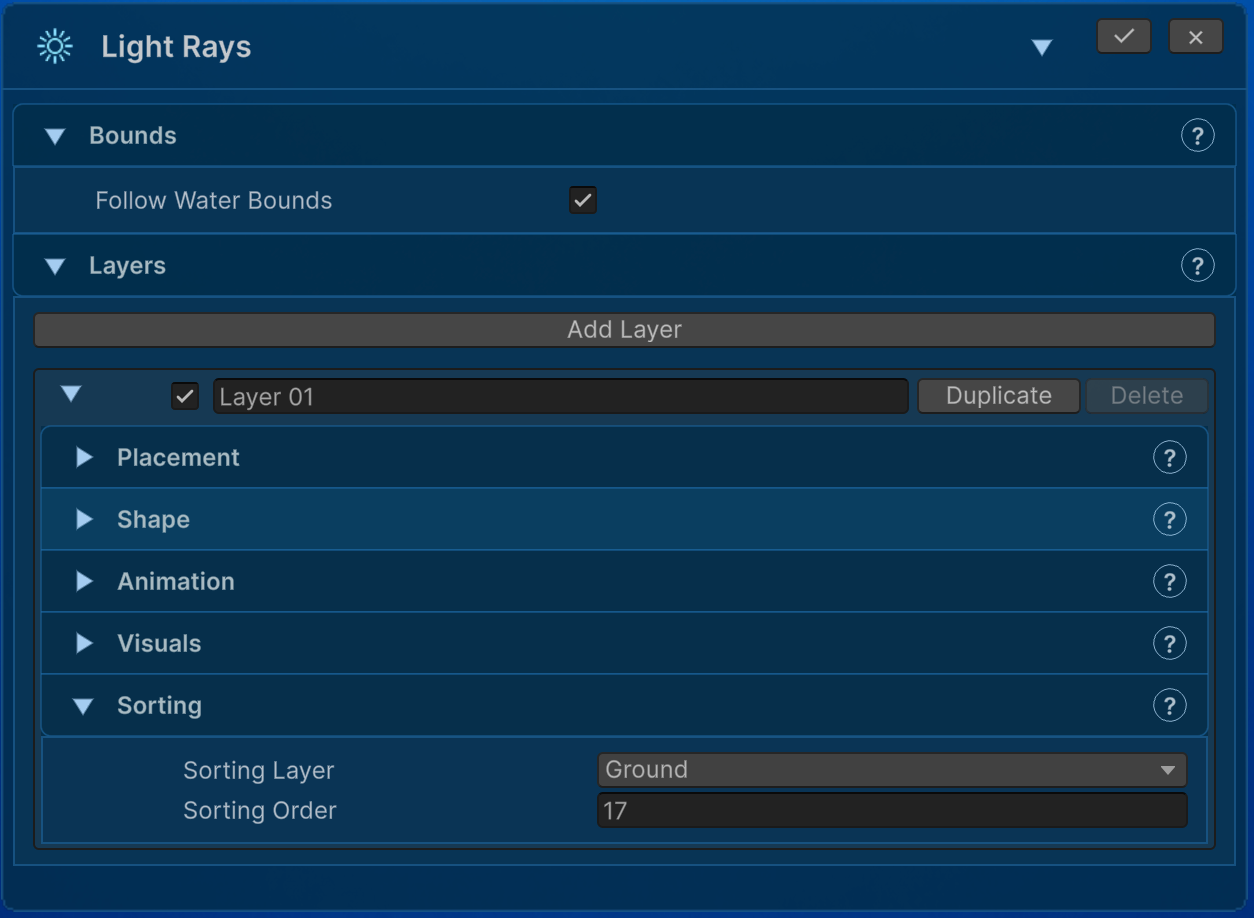
- Use Follow Water Bounds, or define manual width/height.
- Position the source and set source radius, start depth, and underwater height coverage.
- Choose Fan From Source or Parallel.
- Set ray count, angle, spread, source/bottom widths, length, and randomness.
- Tune opacity, brightness, softness, surface fade, and depth fade.
- Enable animation for opacity pulsing, source motion, tilt, and flicker.
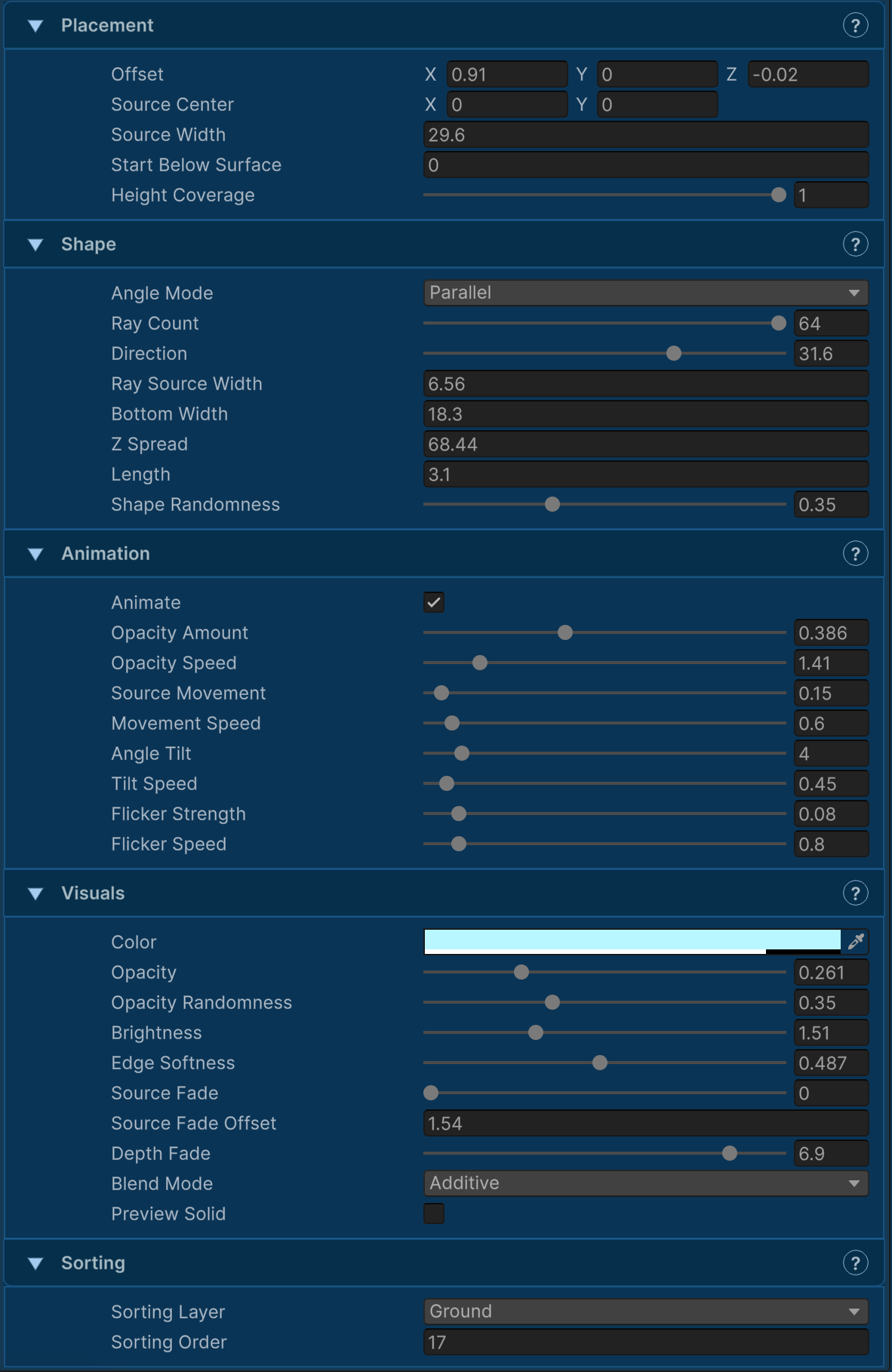
Blend modes are Alpha, Additive, and Multiply. Check sorting and local Z placement if the rays are hidden behind the underwater face. These are stylized rendered shafts; do not treat them as a promise of physically simulated volumetric lighting or gameplay illumination.